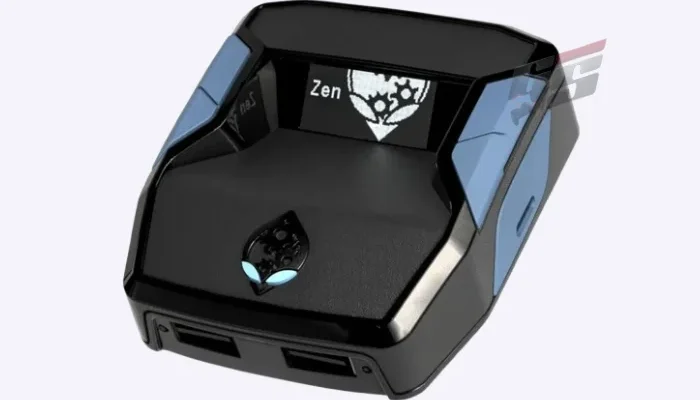
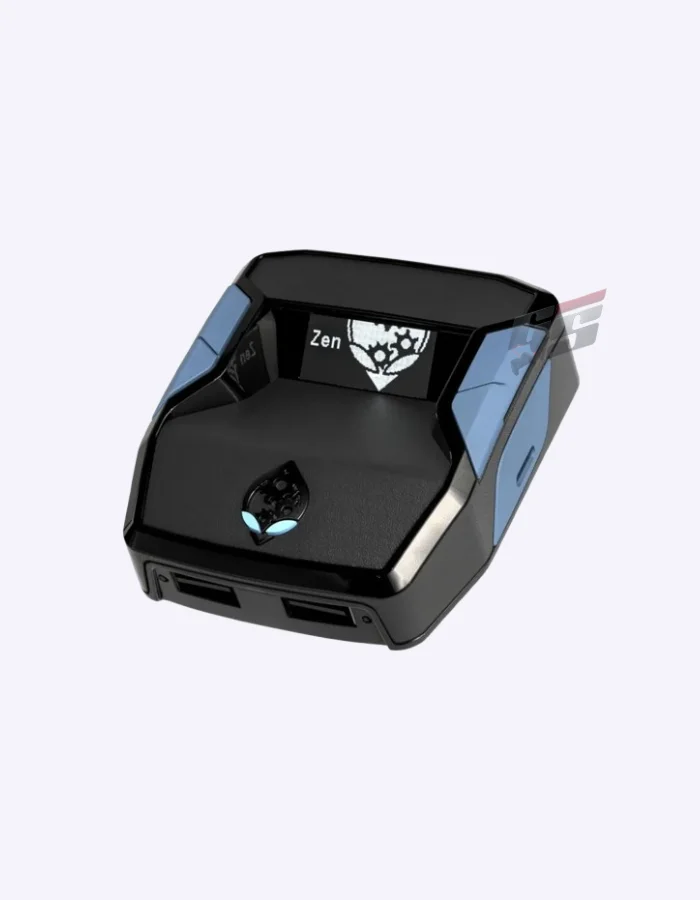
The Cronus Zen Controller Emulator lets one controller work across almost every major platform. Collective Minds built it as the successor to the CronusMAX line, adding a built-in OLED screen and deeper scripting support. Best of all, it also converts keyboard and mouse input for use on consoles.
Setup stays simple despite the depth on offer. The Cronus Zen Controller Emulator plugs in between your controller and console, so no extra app or account is needed to start remapping buttons. Also, the same unit covers nearly every platform you might own.
Cronus Zen Controller Emulator Features
- Use almost any controller on PlayStation, Xbox, Nintendo Switch, and PC
- Run PS5 titles through the included Remote Play workaround, using a connected Windows PC
- Convert keyboard and mouse input into controller signals for consoles that lack native support
- Pass game and chat audio straight through the controller’s own headset jack
- Remap buttons and build custom control layouts to fit any game or accessibility need
- Connect racing wheels from Logitech and Fanatec to PS4 through the same adapter
- Store multiple button profiles, so switching between games stays fast
Scripting and Compatibility
Because Zen Studio software runs on PC, building or downloading scripts takes only a few clicks. Then the OLED screen shows status and settings without needing a second device. Also, firmware updates keep the device current with new consoles.
- Access thousands of free community scripts through the Zen Studio software
- Check connection status and settings directly on the built-in OLED screen
- Connect via USB for wired play, with Bluetooth support for wireless controllers
- Fit the device into almost any setup, since it weighs only about 0.2 kg
- Support PS4, PS5, Xbox One, Xbox Series X|S, Switch, and PC in one unit
- Update firmware regularly through Collective Minds’ own software
Overall, the Cronus Zen Controller Emulator suits players who want one controller across every system. It rewards setups built around accessibility and cross-platform convenience. Browse our Gaming Accessories collection for more controller add-ons.


Reviews
Clear filtersThere are no reviews yet.